 Whole image
Pixelate photos and pictures
With Whole image selected, 32 px blocks simplify the cabin, trees, and reflections together. No selection is needed.
Big pixels. Your picture. Pixelate any image or photo, create mosaic effects, or select just the details you want to hide.
A little less detail. A whole new way to see it. Here’s how
Choose a JPG, PNG, or WebP. Drop it in, paste it, or start with our sample.
Move the slider or enter a value from 2 to 100 px. The preview updates as you adjust.
Keep Whole image selected, or choose Selected area and draw a rectangle on the preview.
Switch between Before and After to check your edit. Choose a file format, then select Download image.
Whole imageWith Whole image selected, 32 px blocks simplify the cabin, trees, and reflections together. No selection is needed.
 Selected area
Choose Selected area and draw a rectangle around the whole face, from forehead to chin. This example uses 32 px blocks. You choose the area to cover; the shirt and park stay clear.

Draw a rectangle that includes every character and the edges of the plate. Here, 24 px blocks cover the sample plate. Open your downloaded photo at full size to check the result before sharing it.
Pixelation makes details harder to recognize, but does not guarantee they cannot be recovered. For passwords, account numbers, or confidential text, solid color redaction is safer.
The same 1536 × 1024 px photo at four block sizes, displayed at the same scale. Compare the roof edges and trees to see how much detail each setting retains.
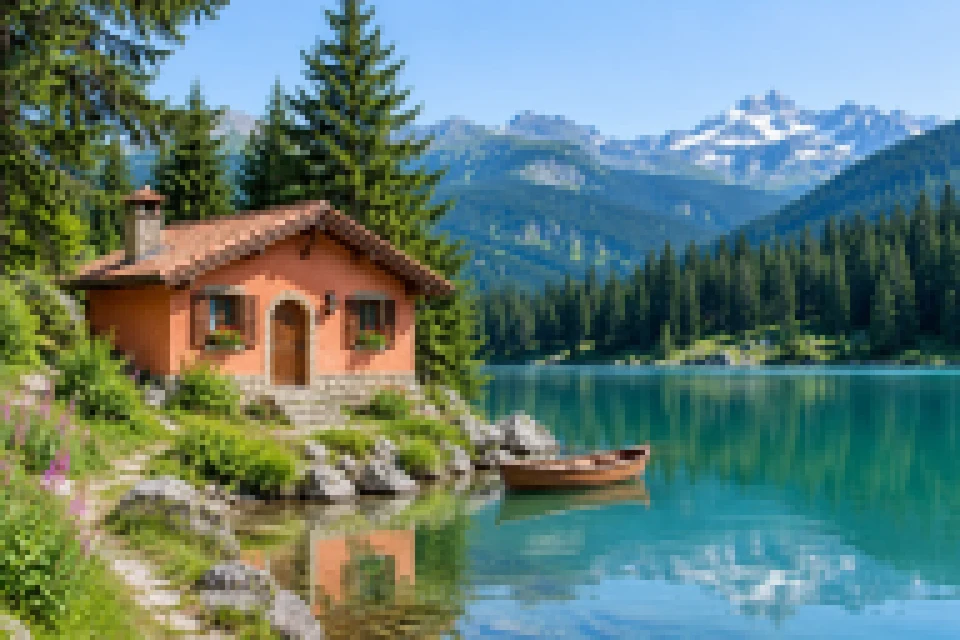
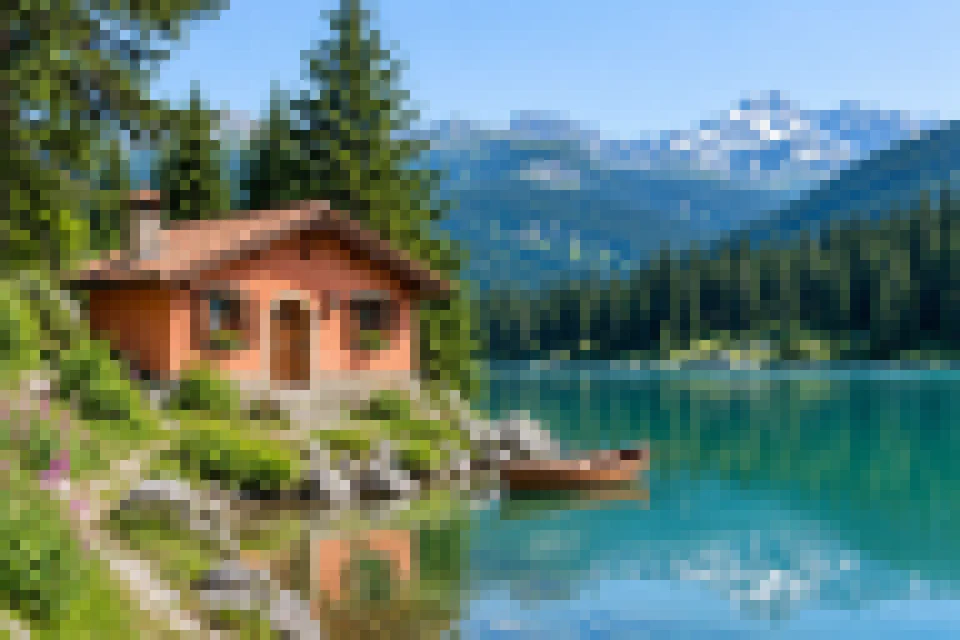
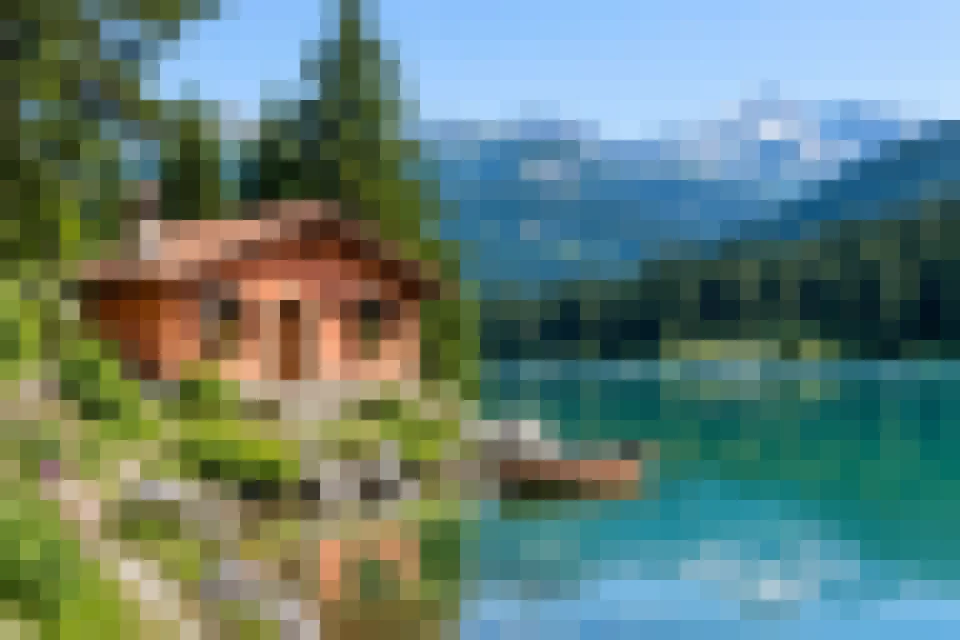
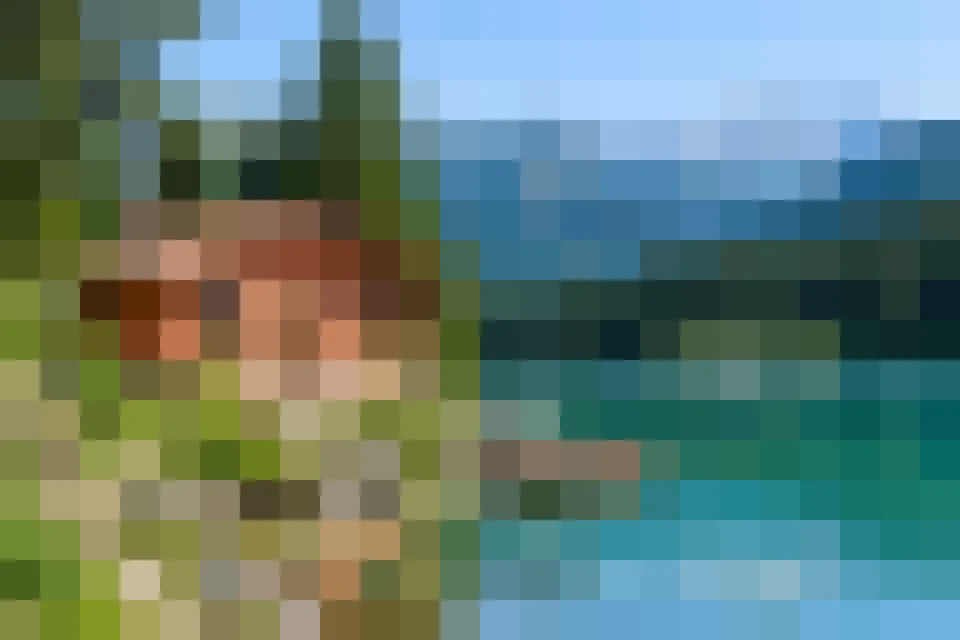
Start at 16 px for visible texture, or try 32–64 px for a bold mosaic. Your photo keeps its original width and height at every setting.
Image pixelation is an effect that replaces groups of pixels with larger blocks of color, creating a blocky or mosaic appearance. It can be used for visual effects or to make selected details harder to recognize.
Make something pixelated| Pixelation | Blur | |
|---|---|---|
| Method | Groups pixels into blocks | Blends adjacent pixels |
| Look | Sharp, mosaic squares | Soft, smooth shapes |
| Control | Pixel block size | Blur radius |
| Use | Retro effects, obscuring details | Soft backgrounds, obscuring details |
This tool applies pixelation, not blur. Neither replaces secure redaction.
Use Undo to go back through your last 40 changes. Reset keeps your photo but applies 16 px blocks to the whole image again. Choosing a different photo clears your previous edits.
Yes, you can pixelate one rectangular area at a time. To select without dragging, choose Select center area, then adjust Left, Top, Width, and Height. Each number is a percentage of the image. Drawing a new rectangle replaces the old one.
Increase Pixel size, up to 100 px. Larger photos usually need larger blocks for a noticeable effect, especially when you view them on a small screen.
Yes. All editing and downloads are free, with no account or watermark.
Choose PNG to keep transparent backgrounds and avoid extra compression that can reduce detail. JPG works well for photos, but turns transparent areas white. WebP keeps transparency and often gives you a smaller file. All three keep your photo’s original width and height.
Your photos stay on your device while you edit. We do not receive or store them. Download your finished photo before refreshing or closing this page, or your edits will be lost. Files you have already downloaded stay on your device.
Use JPG, PNG, or WebP files up to 25 MB and 32 megapixels, with neither side longer than 8192 pixels. Some phones and computers may struggle with large photos. If a photo will not open or download, try a smaller copy.